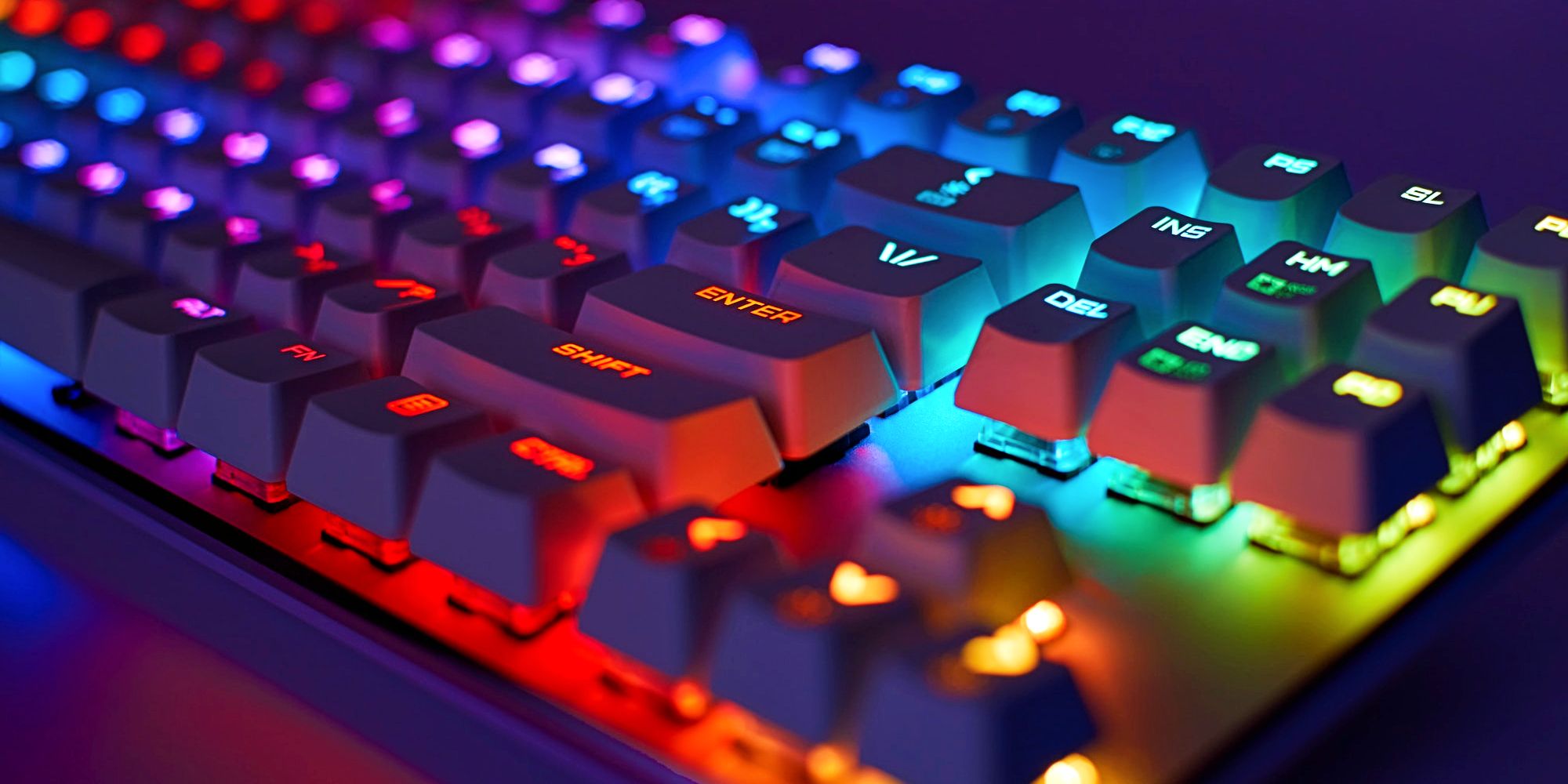
PC gamers do not have it easy. As opposed to console gamers, they have to consider which type of hardware best suits their needs and budget while keeping an eye out for potential upgrades even before they have built their dream gaming setup. The fact that companies introduce new and improved components on a yearly basis does not make efforts to stay up to date with growing technological advancements any less challenging.
Aside from ensuring that hardware specifications can successfully deliver the desired gaming experience, PC gamers have to invest in quality peripherals and accessories if they hope to make the most of the unique and customizable experience exclusive to computer owners. Since the market is saturated with top-shelf brands and cheaper alternatives that often offer keyboard and mouse combos, being unable to make heads or tails almost comes naturally. That said, if there is one rule that PC gamers should adhere to when looking for the perfect peripherals, it is that mechanical keyboards are undoubtedly worth every penny.
What Are Mechanical Keyboards & How Do They Work?
The key difference to look for is membrane vs. mechanical keyboards. Membrane keyboards use thin rubber membranes to register hits, which can feel spongy on cheaper models. These days, some manufacturers take the opportunity to slap some backlights onto regular membrane keyboards and advertise them as inexpensive, gamer-friendly keyboards. This ultimately decreases their production cost and makes them more affordable, as all of their keys are pressure pads printed on a flat surface. However, damaging a single key on a membrane keyboard often means that a new keyboard is in order because its keys are not “stand-alone.”
On the other hand, mechanical keyboards promise a lifespan of up to 50 million keystrokes, thanks to their versatile build. They use an individual spring and switch for each key, making the keyboard feel more rugged, responsive and less prone to failure. Furthermore, they allow the gamers to customize their experience by exchanging or combining different types of switches seamlessly, without worrying about replacing the whole keyboard if one of them runs its course prematurely.
Mechanical keyboards usually feature one of the two common types of switches: linear or tactile. Linear switches actuate when the gamers push the key all the way down, as they would on a membrane keyboard. Tactile switches register a keystroke mid-way, which means gamers do not have to push the key completely down before moving on to the next one. The third, less common type is clicky, which works the same way as tactile but makes a sharp “clicking” sound, resulting in louder audio feedback when a keystroke is activated.
Which Cherry Keys Should Gamers Choose?
Although companies such as Razer, Logitech, Steel Series, Cooler Master and many others have their own versions of personalized switches for mechanical keyboards, the Cherry MX family has been around since 1983. They are arguably one of the best mechanical keyboard switches to date and come in a variety of colors, which reflect their characteristics and make them easily distinguishable from others.
Tactile switches with medium resistance that spring back quickly after actuation make Cherry MX Browns the most popular choice for a mechanical keyboard. Gamers into slow-paced adventures, simulations, turn-based RPG and RTS titles can benefit from these keys and will likely find their quiet profile practical for prolonged typing sessions.
Cherry MX Reds are widespread because they feel light and offer minimal resistance. They are not only good for gaming but typing as well. With linear switches and quiet performance, these keys are an excellent choice for those looking to get an edge in faster-paced games. For an even quieter profile that does not compromise the qualities of Reds, gamers should turn their attention to Cherry MX Silent Reds.
Cherry MX Blacks are very similar to Reds but require more force to actuate and feel heavier as a result. They are great for gamers who want additional resistance under their fingers as they spam attacks in fast-paced titles. Although these keys are relatively quiet, they also come in a Silent variant.
While Cherry MX Blues offer the highest tactile feedback in the Cherry MX family, their performance is far from ideal. They feel heavy and have loud audio feedback, which makes them fall under the category of clicky switches. Although these are best suited for typing, gamers can use them in titles that are not reliant on fast action or rapid firing. But if they happen to find the noise and resistance of Blues gratifying, Cherry MX Greens are an even better choice.
For optimal performance, gamers should consider purchasing Cherry MX Speeds or Silvers. With linear switches, both of these MXs feel marginally the same as Reds, save for their shortened travel distance. This results in faster actuation, which will help the gamers achieve better results in FPS, MMO and MOBA games where skill refresh rates and reload times are often a matter of life or death.
About The Author
