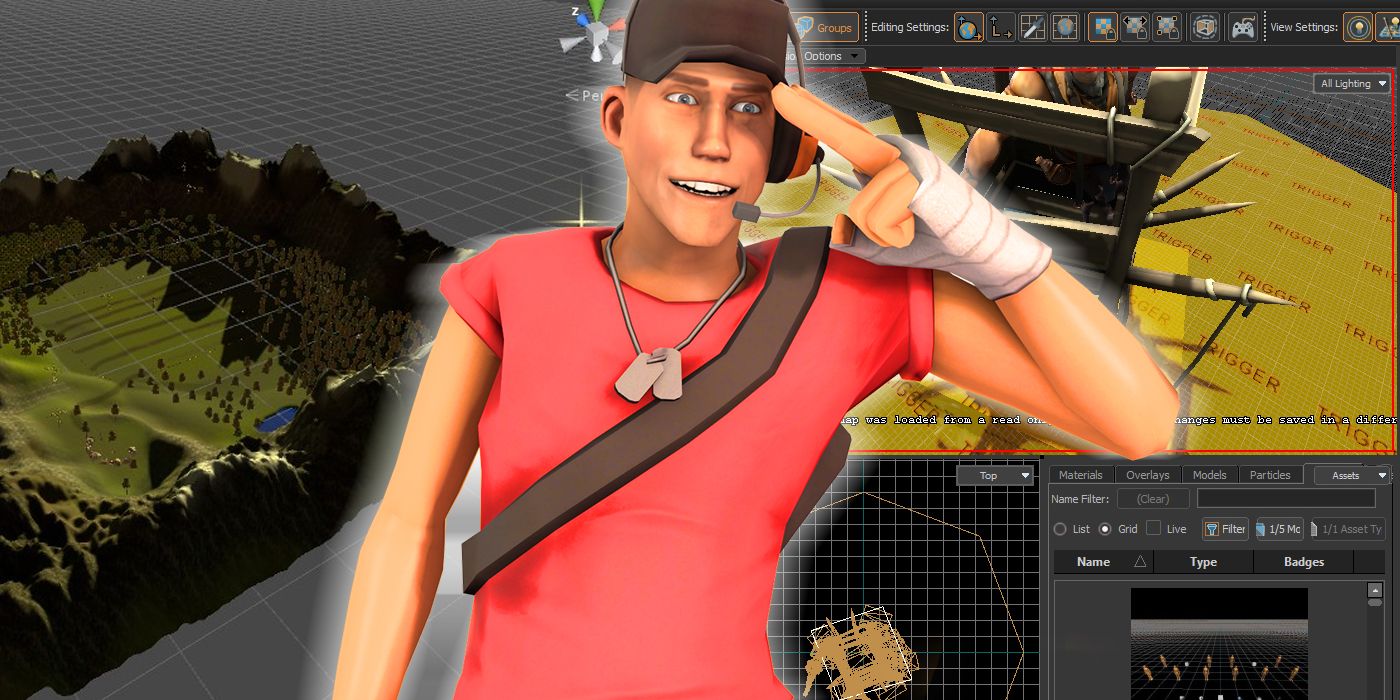
Game development is possibly one of the more difficult hobbies to get into, mainly due to how huge and daunting it can seem. Not only do aspiring indie game developers have to know how to code, but there’s also the art, the writing, the design, the distribution and so much more that goes into making a game work. Luckily, there’s a vast amount of game-making tools and open-source engines out there that help the process of actually making a video game feel much less overwhelming.
Some of the more popular choices include RPG Maker, GameMaker Studio, Unity and Source Engine. RPG Maker and GameMaker Studio are both tools built around engines that simplify the game-making process, while Source and Unity are easy-to-use free engines that many developers have released tutorials for, though they require more coding knowledge than the others. For those looking to get into making indie games, which one of these tools is best to start with?
GameMaker Studio
Game Maker is a fairly versatile tool that works best with creating 2D games that work off sprites. There’s a lot of preset options that players can quickly use to supplement coding, though it’s also incredibly easy to play around with the premade code included with GameMaker. The program’s drag-and-drop interface makes it incredibly easy for new developers to understand what aspects of their game affect what. Some particularly noteworthy games have been made in GamerMaker, including Undertale and Forager.
While coding is a necessary step towards learning game development, many tools and engines try to hold the user’s hand without helping them learn to code. While GameMaker Studio does encourage users to step outside of their comfort zone and move past the simple drag-and-drop features, it can be hard to break away without prior coding experience. Plus, users will need a fair amount of art experience to make their own sprites for their games.
RPG Maker
RPG Maker is a title for a long-running series of tools that help players make their own RPG. The most recent version is RPG Maker MZ, though most users recommend sticking with RPG Maker MX until there’s more community support for the new version. These versions of RPG Maker both have similar purposes, which is providing users with a set of premade assets and easy-to-navigate menus that help them construct an RPG with minimal coding or art knowledge.
RPG Maker has a ton of premade assets and premade code that can help users focus on learning game design. There’s even a ton of community-made plugins that expand the possibilities of RPG Maker far beyond what it comes with. The only major downside is that it’s not a free program and is pretty expensive to pick up, especially when considering that most community-made plugins also cost money. The price of RPG Maker is made up for how user-friendly it can be.
Unity
While Unity sometimes gets a bad reputation for the number of poorly-made games that exist using the engine, Unity is actually incredibly versatile and is capable of nearly every genre of games out there. As examples of just how versatile the Unity engine can be, Everhood, Hearthstone and Cuphead were all made in Unity. The downside to this versatility is that first-time developers may be a bit overwhelmed with the engine.
Luckily, many online tutorials can help users navigate Unity’s interface and slowly learn how to run the program. Many of these tutorials are made by other community members, meaning they’re usually designed to be as helpful as possible for new users. There’s certainly a lot to grasp when it comes to learning Unity, but those who stick with the program will have an incredibly powerful game development tool on their hands.
Source Engine
Valve’s Source Engine is a popular choice for early game developers, though it has slowly begun to be phased out from more modern programs and engines. Part of the reason why Source continues to be used today, even when Source 2 is publically available, is that there are many tools around for users to work with Source. On top of that, games like Half-Life 2 and Garry’s Mode that use Source are very open and easy to work with.
The downsides to Source come with its age. Source is not a very user-friendly engine, requiring many third-party programs to properly develop for it. While there was a time when many new developers were using Source, most have moved on to other options, meaning the community support for Source can be lacking. Source is a good engine for those who already know how to use it, but not for first-time devs.
Which tool is best?
For first-time developers, the best tool is GameMaker Studio since it is the best balance between user-friendliness and helping new developers learn things like coding. While something like Unity allows players to work on a wider variety of games, GameMaker eases users into things with drag-and-drop coding, helping new developers go at their own pace when they’re starting out.
RPG Maker doesn’t really incentivize learning the ropes of game development as many of its official and community-made features can replace the need to know how to program. Plus, RPG Maker is fairly limited with what users can make within it. Unity is also an excellent second choice due to the massive amount of online tutorials out there. Plus, Unity manages to be a bit more versatile than GameMaker Studio, if a bit more complicated.
About The Author