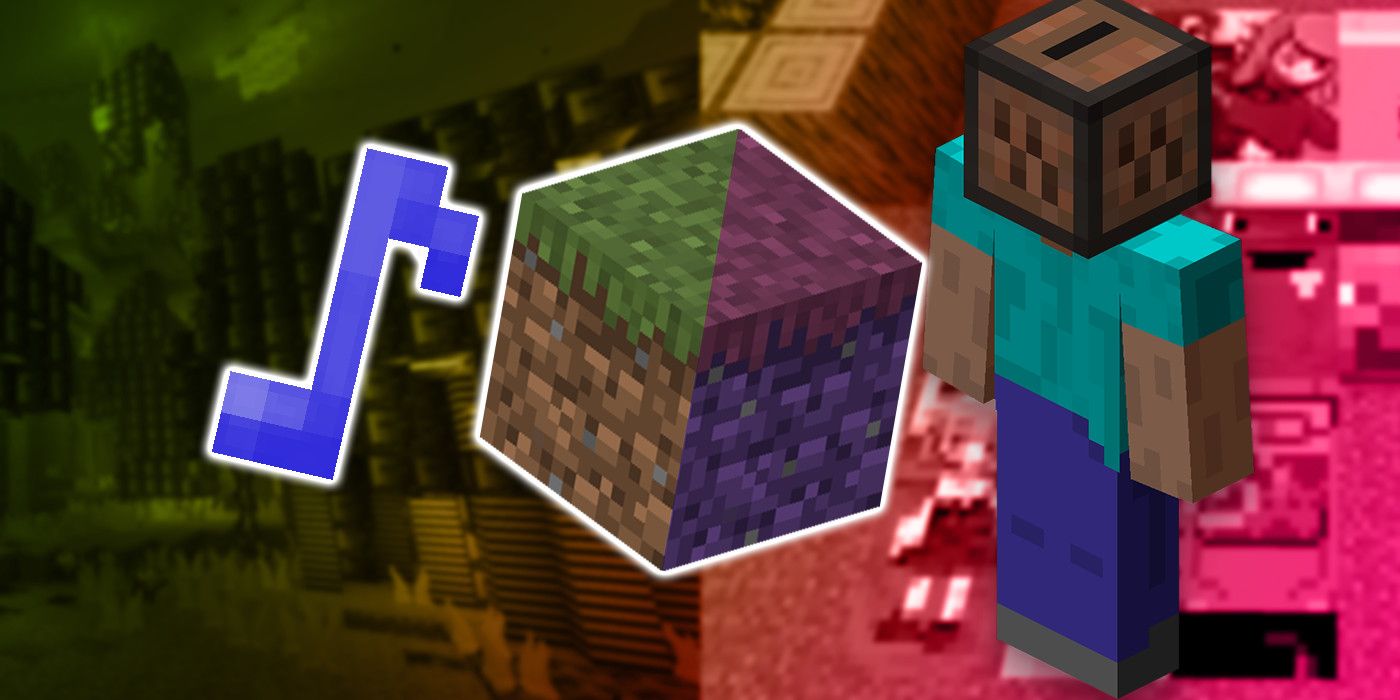
Minecraft is an incredibly customizable game, with players dropped into the world with little direction outside of their own creativity. Minecraft‘s creativity extends to the look and feel of the game as well. Data packs, shaders and mods are three of the more common ways for players to make changes to Minecraft, though the options players have with custom resource packs have are often overlooked.
Resource packs were formerly known as texture packs, as they only allowed players to change the game’s textures. However, players were given far more options with what could be changed with resource packs, basically being able to customize anything that doesn’t directly involve Minecraft‘s code. Here are five things that players might not realize they can change using a Minecraft resource pack.
Click the button below to start this article in quick view.
Music
Minecraft‘s soundtrack is filled with ambient music tracks that intensify the game’s open-world nature. Whilst these music tracks may be too calming to be added with Steve’s inclusion in Super Smash Bros. Ultimate, they’re certainly still a point of praise for many Minecraft players. Even so, customizing the game’s music might be appealing for players to explore and experiment with.
Replacing music in a resource pack is about as easy as putting a new .ogg sound file into the correct folder. Players can replace everything from the music discs found in dungeon chests to the ambient tracks that start playing in the game’s overworld. The Enderdragon received a unique boss theme with the End update, which means players could give the game’s final boss some fitting final boss music.
Sound Effects
Similarly to music, players can also replace the various sound effects they hear in Minecraft. Any sound they hear in-game can be easily swapped out for another, giving players a huge amount of freedom with the game’s sound design. If the Nether is a bit too gloomy and creepy, players could swap out those haunting ambient sound effects for something a bit more cheery or just mute them altogether.
For players looking to change the graphics of Minecraft, changing things like mob noises or the sounds that footsteps make on certain blocks may be essential. For example, if someone wants to create a resource pack inspired by Yoshi’s Wooly World, it wouldn’t make too much sense for the soft, wooly stone to actually sound like someone was walking on rocks. Sound effect editing can easily take any resource pack to the next level.
Biome Fog
Changing the game’s biome fog is a bit more complicated than replacing a sound file, but with a recent update to Minecraft, this is entirely possible. This is because Minecraft‘s files are managed by types of files known as JSON files. This means that JSON files need to be read by resource packs, making them one of the few coding options in resource packs. Biome fog, like the Nether’s red haze, happens to also be managed by JSON files.
Adjusting a biome’s fog has a wide range of uses, especially if the colors of a resource pack’s texture do not match the biome’s normal fog color. Recoloring the Nether to be anything other than red, black or blue can lead to the fog that appears there looking rather out of place. Players could even add new types of fog to the game, such as giving swamps a thick green cloud for players to navigate through.
Block Models
With players being able to change the texture of every single block in the game, it makes sense that they’d also be able to adjust their models. Since blocks all have a static square hitbox, they require minimal coding to change. This means players can give things like doors and fences a unique look to match any retexturing that they want to do.
Changing a block’s model is a much more intensive process since it requires a bit of 3D-modeling knowledge in order to properly execute. The ability to customize block models through a resource pack opens up a whole new level of customization without getting too deep into modding. Replacing a block’s model is as simple as dropping it into the right folder within the resource pack.
Language
Changing the game’s language might seem like an odd thing to customize, especially since Minecraft natively supports tons of different languages already. However, the true potential of this option becomes noticeable when players realize that changing the game’s language means that they can individually change what certain words are in the game. In other words, changing the language lets players rename items, blocks achievements and even menu options.
This basically gives players free-reign to change the name of nearly anything in the game. If players are building a custom map and want an item to be called something else for lore reasons, a resource pack could be an easy way to achieve that. Minecraft also already features a few joke languages that players can select, such as Upside down and Pirate-speak, so players could go ahead and make their own with this option.
About The Author